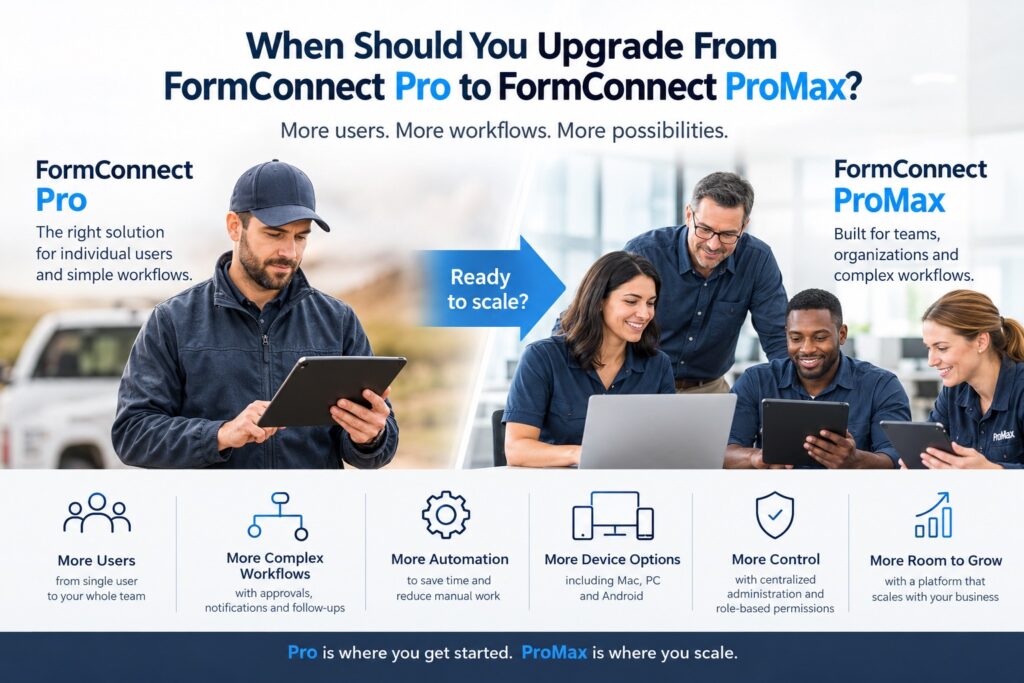
FormConnect Pro and FormConnect ProMax are designed for different types of workflows.
FormConnect Pro is primarily a single-user, mobile form solution. ProMax adds the infrastructure and administration required to manage forms across a team or organization.
For businesses deciding whether to upgrade, the most important differences aren’t necessarily the form-building capabilities themselves. The key distinction is how forms, users, devices, and data are managed.
At a Glance
| Capability | FormConnect Pro | FormConnect ProMax |
|---|---|---|
| Primary use | Individual users | Teams and organizations |
| Users | Single user | Multi-user |
| iPhone / iPad | ✓ | ✓ |
| Mac | — | ✓ |
| PC | — | ✓ |
| Android | — | ✓ |
| Offline data collection | ✓ | ✓ |
| Form sharing across a team | — | ✓ |
| Centralized administration | — | ✓ |
| Server-based data storage | — | ✓ |
| Real-time synchronization | — | ✓ |
| Field service dispatching | — | ✓ |
| Concurrent collaboration | — | ✓ |
| Role-based permissions | — | ✓ |
FormConnect Pro is designed for professionals who can manage their forms and records locally on supported devices. FormConnect ProMax introduces a centralized, server-backed architecture for organizations that need multiple users working from a common system.
1. User Architecture
The biggest technical difference is the licensing and user model.
FormConnect Pro uses a single-user license. It’s well suited to an individual contractor, field worker, or other professional who manages their own forms and records.
FormConnect ProMax uses a multi-user architecture. Administrators can add users, organize them into teams, and control which forms are available to different users or groups.
This distinction becomes important when a business moves from:
2. Form Distribution
With a single-user workflow, managing forms is relatively straightforward.
In a team environment, however, distributing the correct version of a form becomes an administrative problem.
FormConnect ProMax provides centralized form distribution, allowing administrators to share forms with individual users or teams without relying on manual distribution of templates.
This can be particularly important when forms change frequently. Instead of asking employees to determine whether they have the latest version, the organization can manage forms centrally.
3. Data Synchronization
FormConnect ProMax also changes how data moves through the organization.
FormConnect Pro is designed around local, offline form use, while FormConnect ProMax adds server-based, bi-directional synchronization. Completed records can be synchronized back to the central system so that office personnel can access submitted information without waiting for a manual transfer.
This creates a fundamentally different workflow:
FormConnect Pro
User → Complete Form → Store/Export Data
FormConnect ProMax
Office → Assign/Distribute → Field User → Complete Form → Server → Office
For field-service organizations, that distinction can be significant.
4. Device Support
Device requirements are another clear dividing line.
FormConnect Pro supports iPhone and iPad. FormConnect ProMax expands the supported environment to include Mac, PC, and Android, in addition to Apple’s iPhone and iPad mobile devices.
That makes FormConnect ProMax particularly relevant when an organization has a mixed-device environment.
For example:
- Office staff work on Windows PCs.
- Managers use Macs.
- Field employees use iPhones or iPads.
- Contractors or field personnel use Android devices.
A team doesn’t necessarily need to standardize on one hardware platform simply to standardize its forms.
5. Administration and Permissions
A single-user application doesn’t require much centralized administration.
A business with dozens of users is different.
FormConnect ProMax includes an administrative dashboard, user management, team organization, and role-based permissions. Administrators can control access to forms and manage users from a centralized environment.
This is an important architectural difference because it moves form management from the individual device to the organization.
6. Real-Time Collaboration
FormConnect ProMax goes beyond simply distributing forms.
Multiple authorized users can work with the same form and see changes in real time, with permissions controlling what each person can access or edit.
This can support workflows where field and office personnel need to work on the same record rather than creating separate copies.
For example:
Field technician: enters inspection results and photographs.
Office reviewer: reviews the submission and adds notes.
Manager: reviews or approves the completed record.
Instead of passing files between people, everyone can work from the centralized record.
7. Field Service Workflows
FormConnect ProMax also introduces field-service capabilities that aren’t part of the basic FormConnect Pro workflow.
An office user can prepare and dispatch a form to a field employee, including pre-populated information such as customer and job details. The field user receives the form on their device, completes it, and synchronizes the completed record back to the office.
This changes FormConnect from a form-creation tool into a component of a broader operational workflow.
8. What Doesn’t Change?
Upgrading to FormConnect ProMax doesn’t mean abandoning the core FormConnect form experience.
FormConnect ProMax retains many of the capabilities users expect from FormConnect Pro, including:
- Custom form creation
- Photo capture
- Signatures
- GPS data
- PDF reporting
- Data export
- Offline data collection
FormConnect ProMax builds the team and administrative infrastructure around those capabilities.
Which Version Is Right for You?
The technical decision can be simplified to one question:
Choose FormConnect Pro if:
- One person manages the forms.
- Your workflow is primarily on iPhone or iPad.
- You don’t need centralized user administration.
- Local/offline form collection meets your requirements.
- You don’t need team-wide form distribution or server-based collaboration.
Consider FormConnect ProMax if:
- Multiple employees need access to the same forms.
- Forms need to be centrally distributed.
- Field and office personnel need to share data.
- You need PC or Android support.
- You need centralized user and permission management.
- Records need to synchronize with a central server.
- Your workflow involves dispatching forms to field personnel.
- Multiple people need to collaborate on records.
The Technical Bottom Line
The distinction between FormConnect Pro and FormConnect ProMax isn’t simply more features versus fewer features.
It’s primarily a difference in architecture.
FormConnect Pro is optimized for an individual workflow. FormConnect ProMax is designed for an organizational workflow.
If your forms are primarily created, completed, and managed by one person, FormConnect Pro may provide everything you need.
If your forms have become a shared business resource—used by field employees, office staff, managers, and multiple departments—FormConnect ProMax provides the centralized infrastructure needed to manage that environment.
In other words:
FormConnect Pro digitizes your forms. FormConnect ProMax connects your team around them.