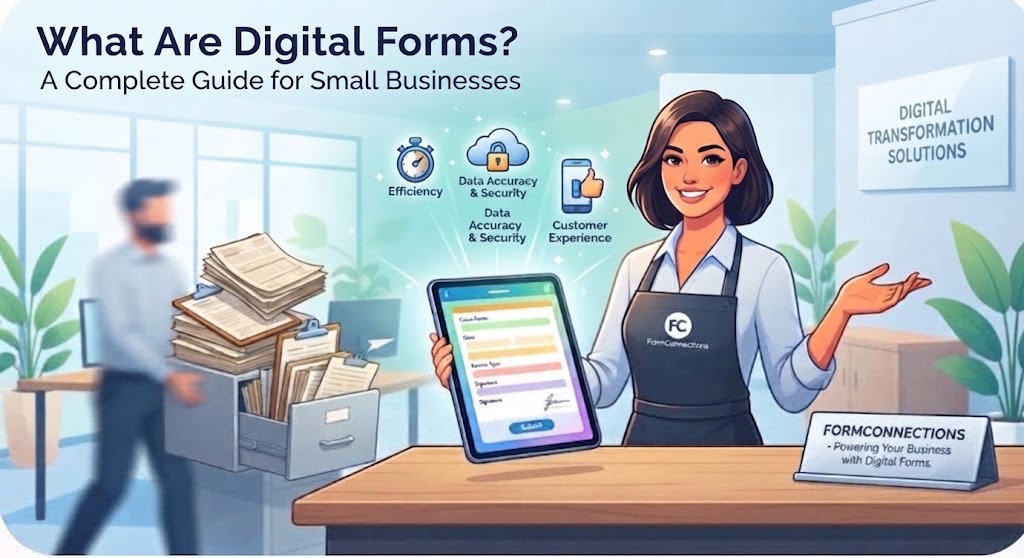
In today’s fast-paced digital landscape, small businesses are constantly looking for ways to streamline operations, reduce overhead, and improve customer experience. One of the most effective yet often overlooked tools for achieving these goals is the digital form.
If your business is still relying on paper documents, clipboards, and manual data entry, you are likely leaving time and money on the table. This comprehensive guide explores what digital forms are, why they matter, and how they can transform your small business.
What Are Digital Forms?
Digital forms (sometimes called electronic forms or e-forms) are online versions of traditional paper forms. Instead of printing out physical pages for customers or employees to fill out with a pen, businesses use digital forms hosted on websites, apps, or specialized software.
Users can complete these forms on computers, tablets, or smartphones. Once submitted, the data is automatically captured, stored securely in the cloud, and routed to the right team members or databases instantly.
Common examples include:
-
Contact and inquiry forms on a website
-
Job applications and onboarding paperwork
-
Customer feedback and satisfaction surveys
-
Service requests and maintenance tickets
-
Invoices and order forms
Why Small Businesses Are Making the Switch
Transitioning from paper to digital forms offers numerous advantages that directly impact a small business’s bottom line:
1. Increased Efficiency and Time Savings
Manual data entry is tedious and prone to human error. With digital forms, data flows directly into your CRM, database, or spreadsheet. This eliminates the need to decipher messy handwriting or manually type information from paper sheets into a computer, freeing up hours of staff time each week.
2. Cost Reduction
While software solutions may have a subscription cost, physical paper forms carry hidden expenses. Think about the costs of printing, paper, ink, physical storage space, filing cabinets, and the shredding of outdated documents. Digital forms significantly cut down on these recurring material costs.
3. Enhanced Data Accuracy
Digital forms often include validation rules—such as required fields, proper email formats, and number restrictions—that prevent users from submitting incomplete or incorrect information. You get clean, readable data every single time.
4. Better Customer Experience
Nobody enjoys filling out a clipboard with a pen, especially if they have to repeat the same information multiple times. Digital forms offer a smooth, modern experience. Customers can fill them out from the comfort of their own devices, whether they are at home or on the go.
5. Improved Security and Compliance
Physical papers can be lost, stolen, or damaged in a fire or flood. Digital forms stored in the cloud are encrypted, protected by password controls, and backed up regularly. This makes it much easier to maintain privacy standards and regulatory compliance.
Key Features to Look for in Digital Form Solutions
If you are ready to adopt digital forms for your small business, look for solutions that offer:
-
User-Friendly Builders: Drag-and-drop interfaces that let you create custom forms without any coding knowledge.
-
Mobile Responsiveness: Forms that look and function great on smartphones and tablets.
-
Integration Capabilities: The ability to connect seamlessly with your existing tools, such as email marketing software, payment gateways, and project management platforms.
-
Electronic Signatures: Built-in e-signature capabilities to legally sign documents, contracts, and approvals online.
Conclusion
Embracing digital forms is a simple yet powerful step toward modernizing your small business. By eliminating paper clutter, speeding up workflows, and delivering a better experience for your customers and employees, digital forms pave the way for sustainable growth.
FormConnections (https://www.formconnections.com) provides digital form solutions for individuals, power users, and teams.