To share a form with another iPad/FormConnect user, do the following:
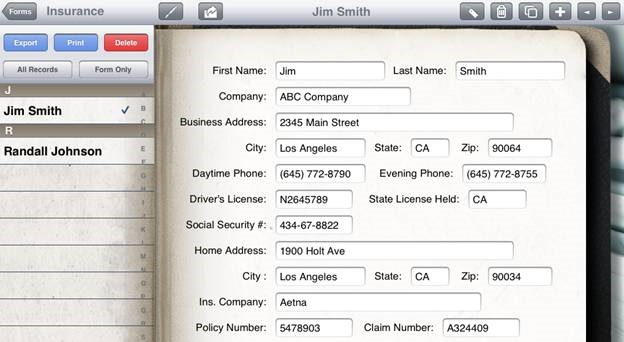
1. Tap on the “Share” icon. It’s the one with the arrow on the menu bar.
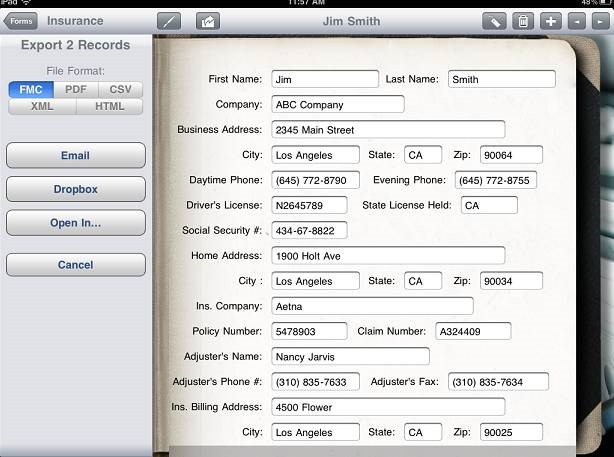
2. Select “Form Only” and then “Export”.
3. Choose FMC file format.
4. Choose Email.
To import the form, do the following:
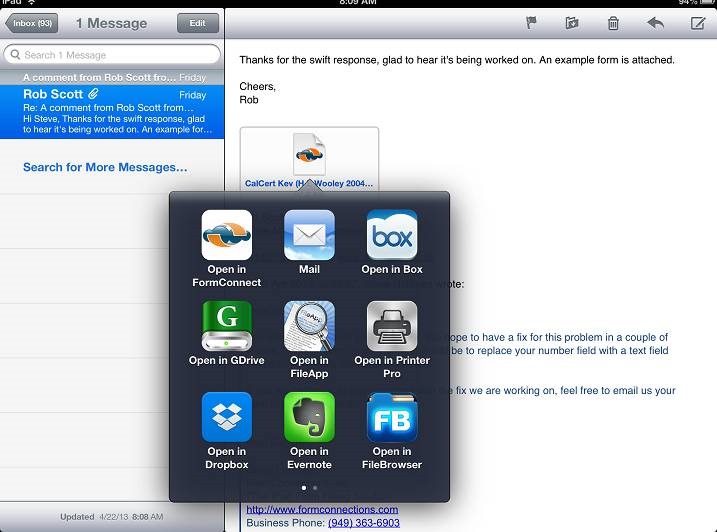
1. Open the Mail app.
2. Tap on the attached file.
3. Select Open In – FormConnect